

Help Center / NetSuite / Admin & Setup
Add NetXcel to Excel yourself from the Office Add-ins Store, or have IT deploy it to the whole team with a manifest file.
Works in Excel desktop (Microsoft 365, Excel 2016+) and Excel for web.
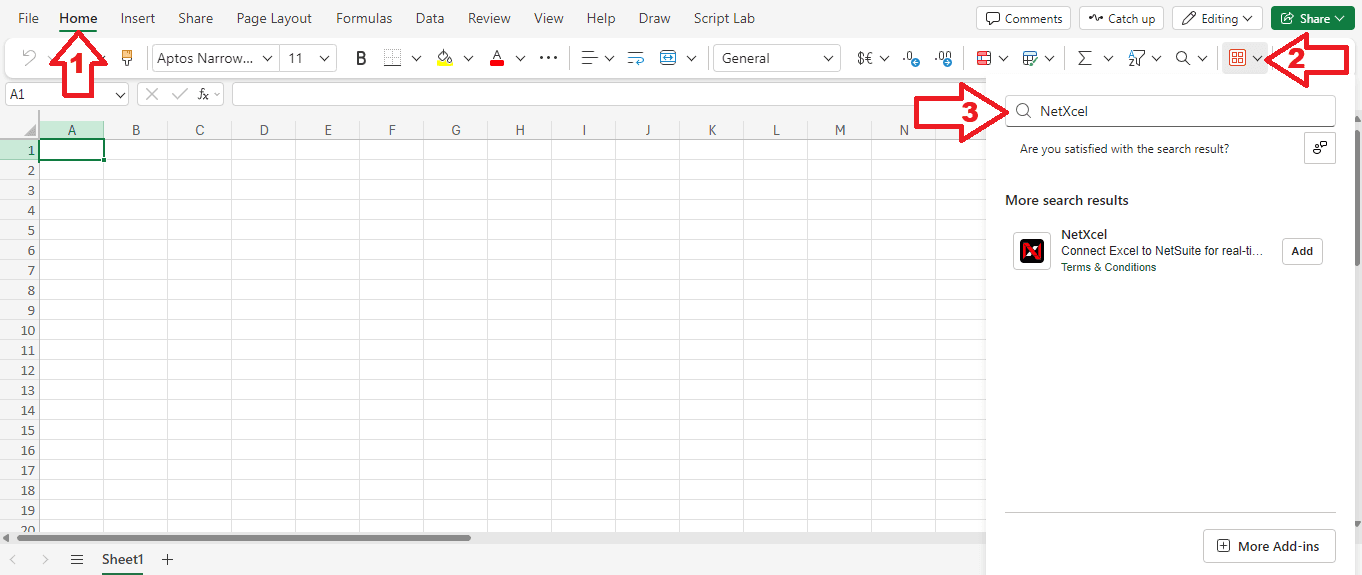
For centrally managed Office Add-ins, or if the Add-ins Store is blocked: get the netxcel.xml manifest from Maayins. In Excel, go to Insert, Office Add-ins, My Add-ins, Upload My Add-in, and select the file. Restart Excel if needed.